Smart home
One touch for movie night: lights down, blinds closed, the cinema on.
Lighting, blinds, air conditioning and sound on one keypad and one app. One press sets the room for the moment, and the system stays simple enough for everyone at home.
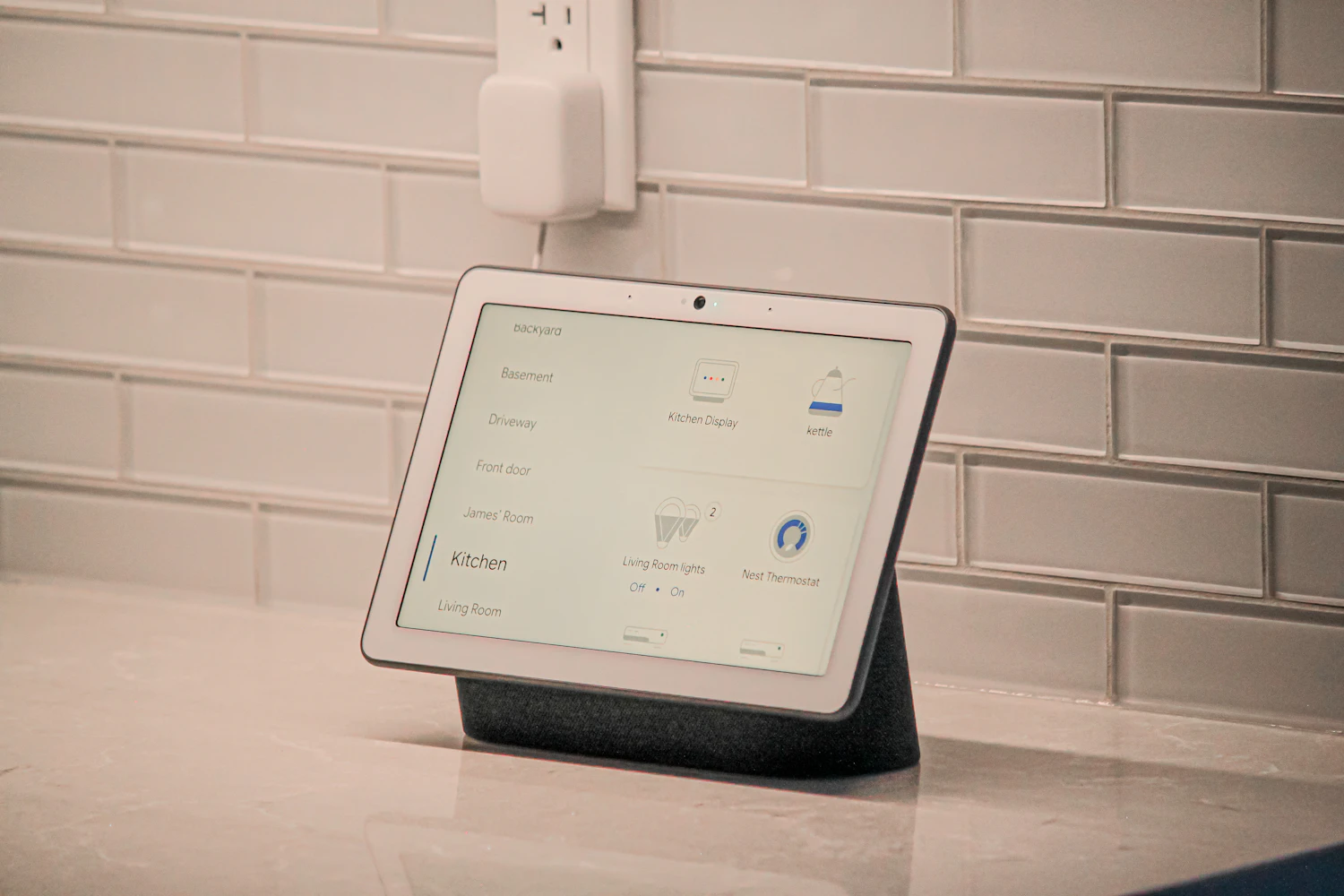
- systems on one keypad
- 4
- press to change the whole room
- 1
- moments shown here, set to how you live
- 3
- and the climate follows the moment
- 22°C
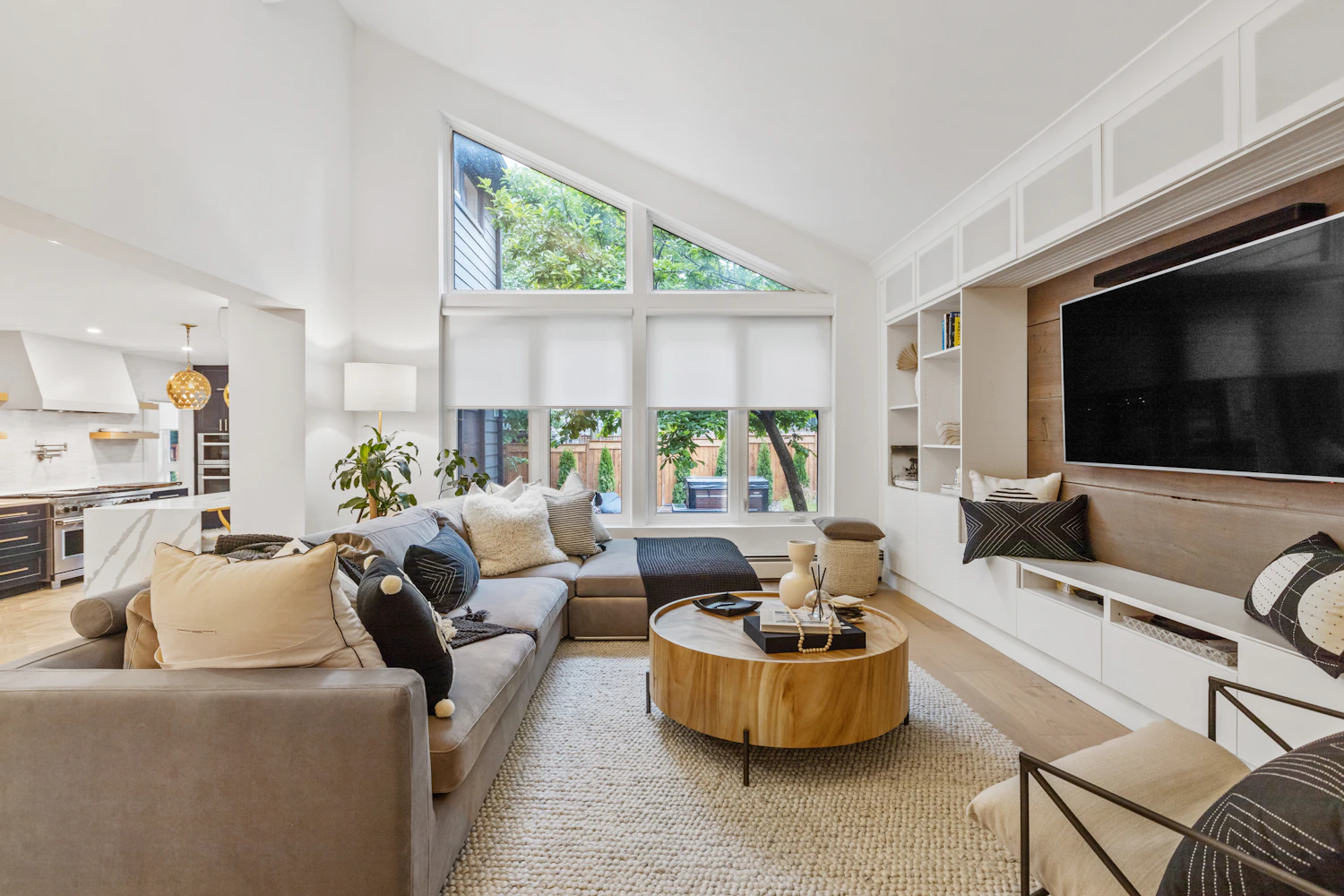
What is a smart home?
A smart home brings lighting, blinds, climate and sound onto one keypad. You stop working each system on its own and start choosing a moment of the day.
- Lights, blinds, climate and sound on one keypad
- Moments of the day, set once
- Simple enough for guests to use
- Works from your phone as well as the wall
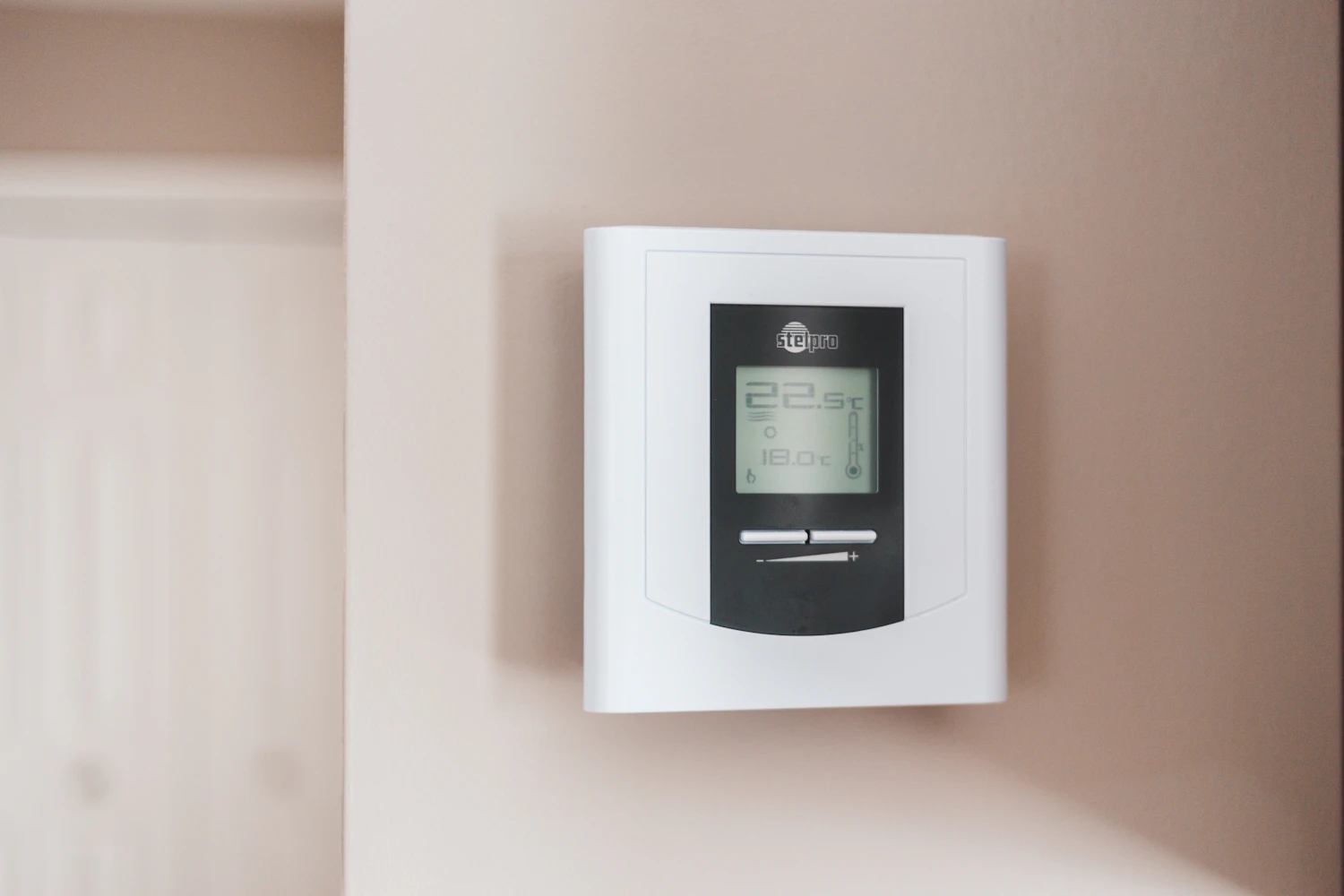
Smart home in brief
One press for morning opens the blinds and sets the lights. One press for film dims them, closes the blinds and starts the screen. It stays simple to use, and guests can use it too, because each button says what it does.
One press, the whole room
Lighting, blinds, sound and climate each have their own controls. A keypad gives them one.
- Blinds open
- 90%
- Lights
- 60%
- Sound
- On
- Climate
- 23°C
Sound is shown as one note, slowed about 150 times, so you can see it move.
- 01Every part of the room connects back to one keypad or your phone.
- 02A press sets everything at once for that moment of the day.
- 03Press each moment and watch the room change.
What makes a home feel smart
- 01
Moments, not menus
You press Morning or Film, not ten separate settings. Good programming hides the system, so it just feels like the house responds.
- 02
Air conditioning in the plan
CoolAutomation links your AC to the same keypad and app, so climate changes with the moment, and rooms that are empty can rest.
- 03
Keypads people understand
Each button says what it does. Guests and staff can use the house without an app or a lesson.
- 04
Simple to change later
Moments are settings, not wiring. As your routine changes, they can be changed too, without touching a wall.
Plan your room
Move the sliders to your own sizes for a first estimate.
- Keypads
- 4
- Moments to set up
- 12
- Systems on each keypad
- 4
- Whole-home moments
- 3
A first estimate from standard formulas. We confirm it once we have seen the room.
What goes in it
| Part | What it does | What to look for | See products |
|---|---|---|---|
| Keypads and touchscreens | Give each room one place to press. | Clear labels, and a design that suits the room. | See products |
| Lighting control | Dims and groups the lights for each moment. | Dimmers that suit your light fittings. | |
| Motorised blinds | Open and close with the light, or with the time of day. | Quiet motors, planned before the ceilings are finished. | |
| Climate control | Brings air conditioning into the same keypad. | A gateway that suits your AC system, such as CoolAutomation. | See products |
| Sound and picture | Starts the music or the film as part of the moment. | Audio and video equipment with control built in. | See products |
Room guide
Start with the rooms you use most. Each one needs only a few moments, and they can change later.
| Room | What one press runs | Typical moments |
|---|---|---|
| Majlis | Lights, blinds, climate, sound | Guests, evening, off |
| Living room | Lights, blinds, sound, screen | Morning, film, relax |
| Bedroom | Lights, blinds, climate | Wake up, read, night |
| Whole home | Everything | Home, away, all off |
How we do it
- 01
Learn your day
We ask how each room is used, and turn that into a short list of moments.
- 02
Design the wiring
Lighting, blinds, climate and sound are planned together, ideally before ceilings close.
- 03
Install and programme
Each moment is programmed and tested room by room.
- 04
Refine it
After you have lived with it, we adjust the moments to fit.
Scenes, not settings
We programme scenes around how you live, so the house responds to a single button.
Questions
5
Can it work with what I already have?
Often, yes. We survey what is installed before we propose anything.
Can I still use a normal switch?
Yes. Keypads replace or sit beside switches, and every moment can also be changed by hand.
What happens if the internet goes down?
A well-designed system runs in the home, so keypads keep working. Only remote access and online services stop.
Can it run on a schedule?
Yes. Moments can follow the time of day, so blinds can close before the hottest hours.
Can a moment be changed later?
Yes. Moments are settings, not wiring, so they can be changed without any building work.
Three ways to build it
Real products from our catalogue, as a starting point. Every system is then adjusted to the room.
Climate first
A touchscreen for your air conditioning, and music in one room.
Whole-home control
AC gateway, wall touchscreens and multi-room music on one app.
Everything connected
Air conditioning, underfloor heating, inputs and sound working together.
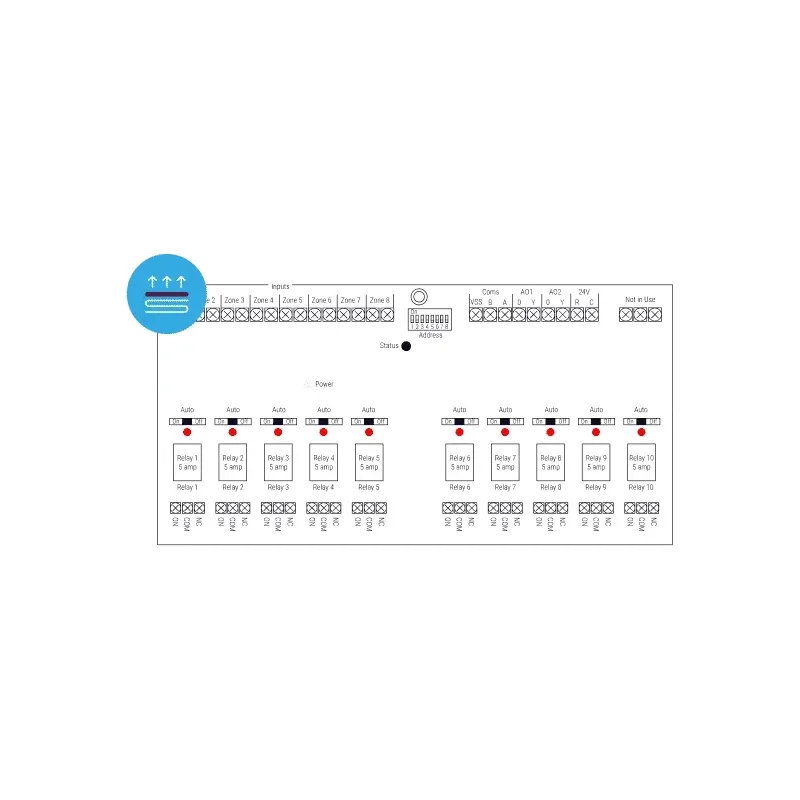
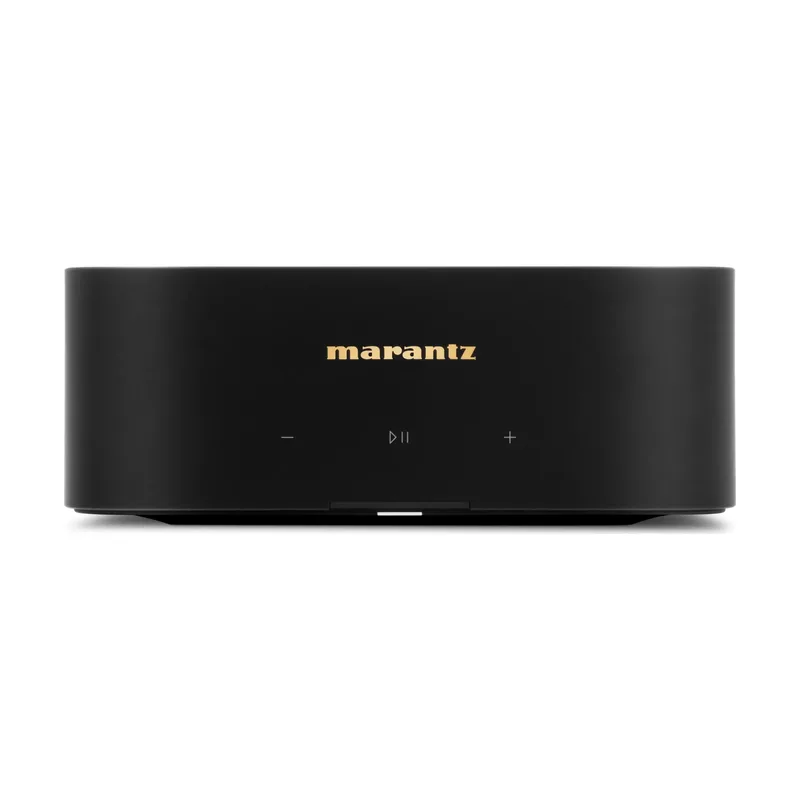
Products for this room
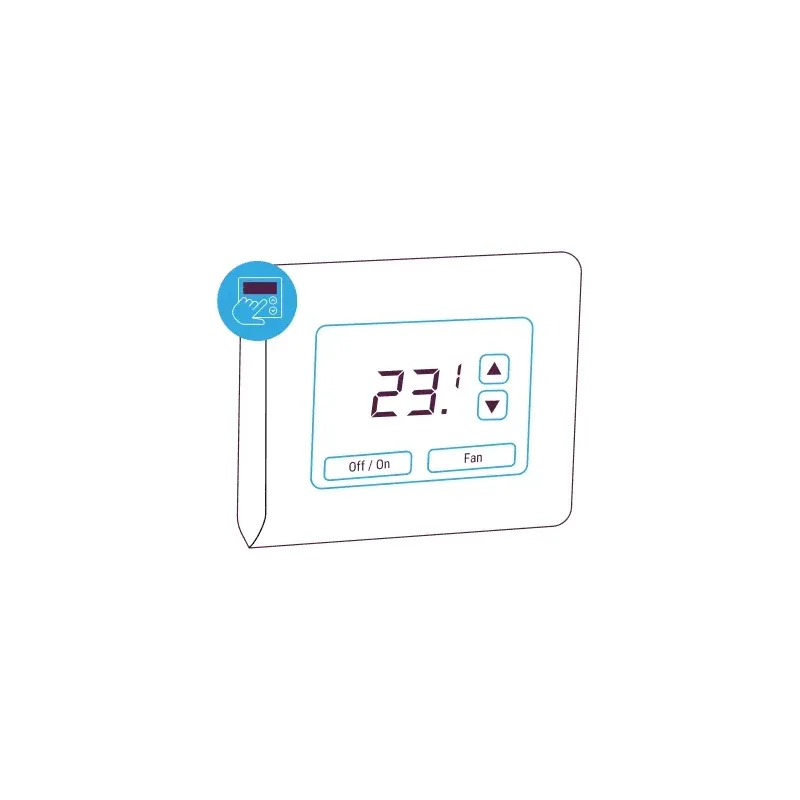 CoolAutomationWall-Mounted Touchscreen ControllerPrice on requestCheck availability
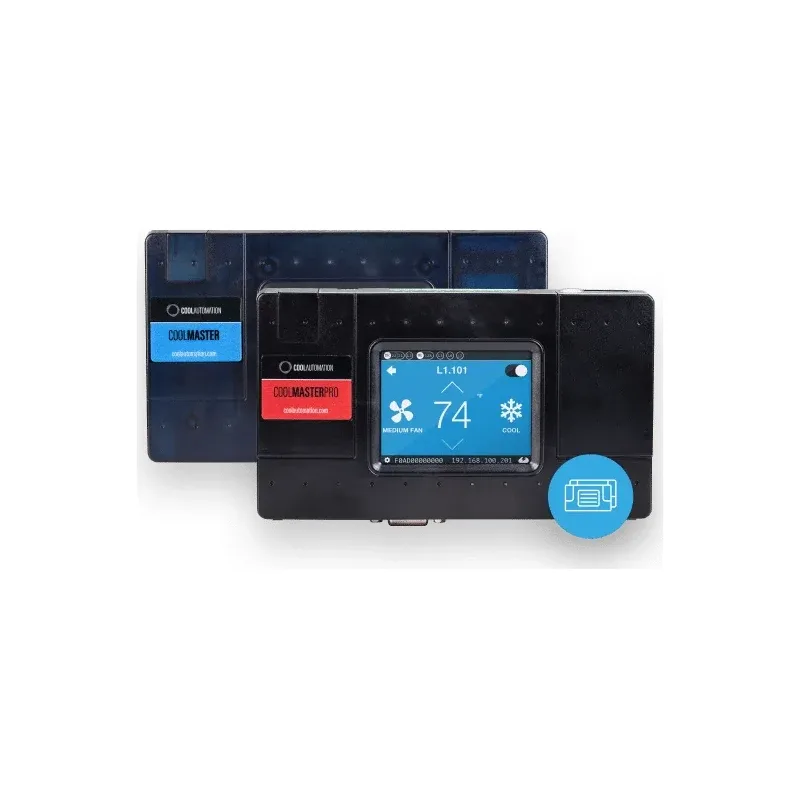 CoolAutomationCoolMaster Product LinePrice on requestCheck availability
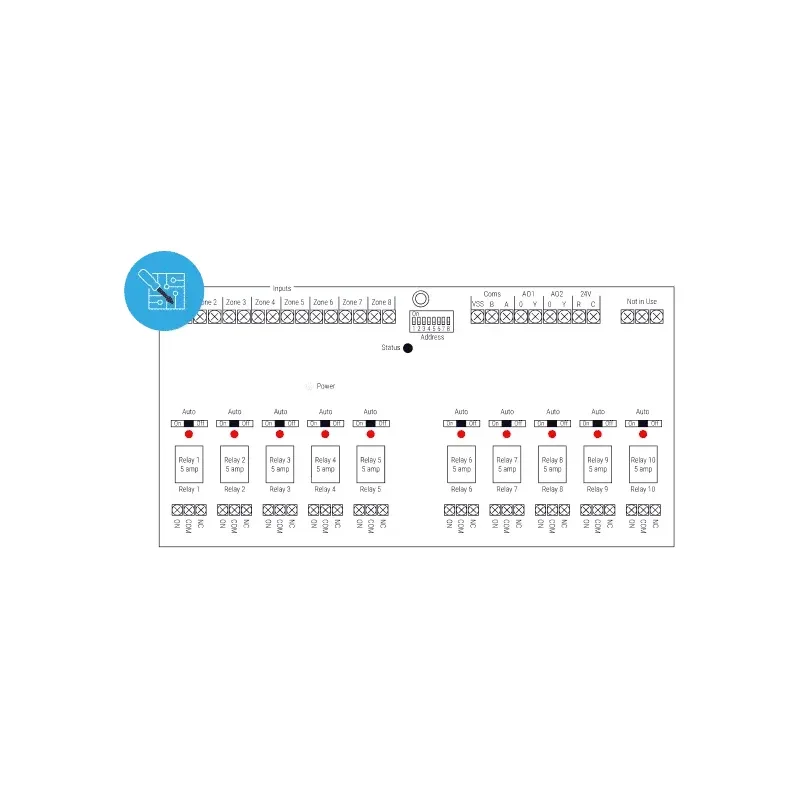 CoolAutomationMulti-Purpose I/O ControllerPrice on requestCheck availability
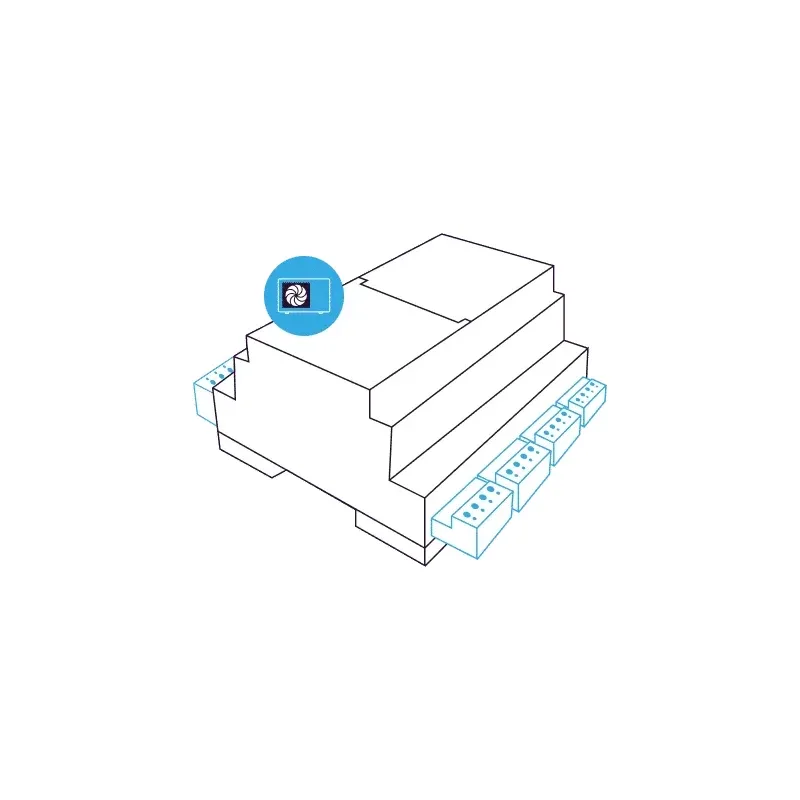 CoolAutomationHeat Pump ControllerPrice on requestCheck availability
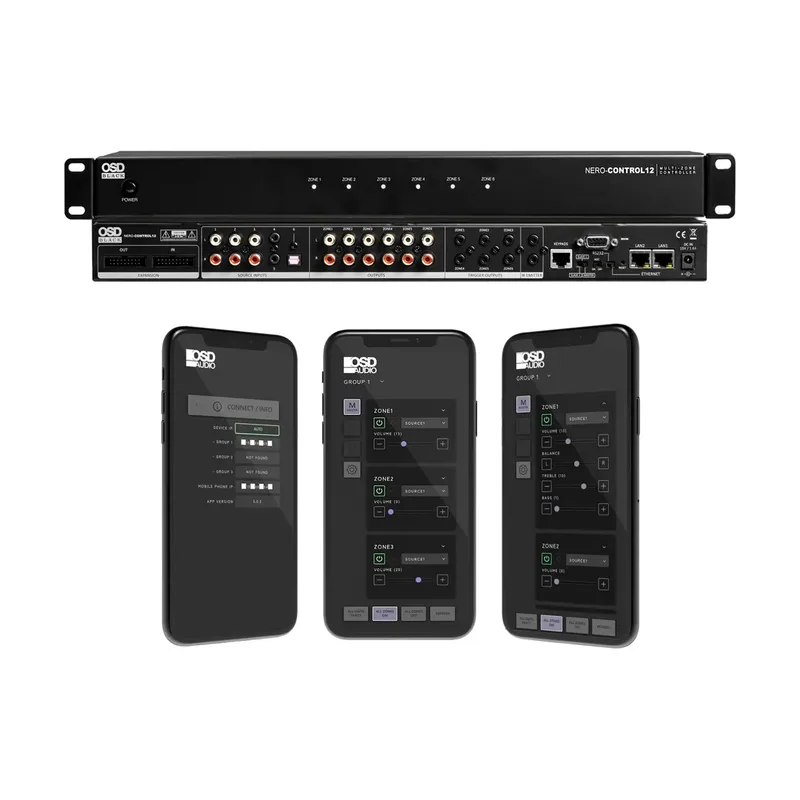 OSDNero Control12 6 Zone App Control Matrix Multi Room ControllerPrice on requestCheck availability
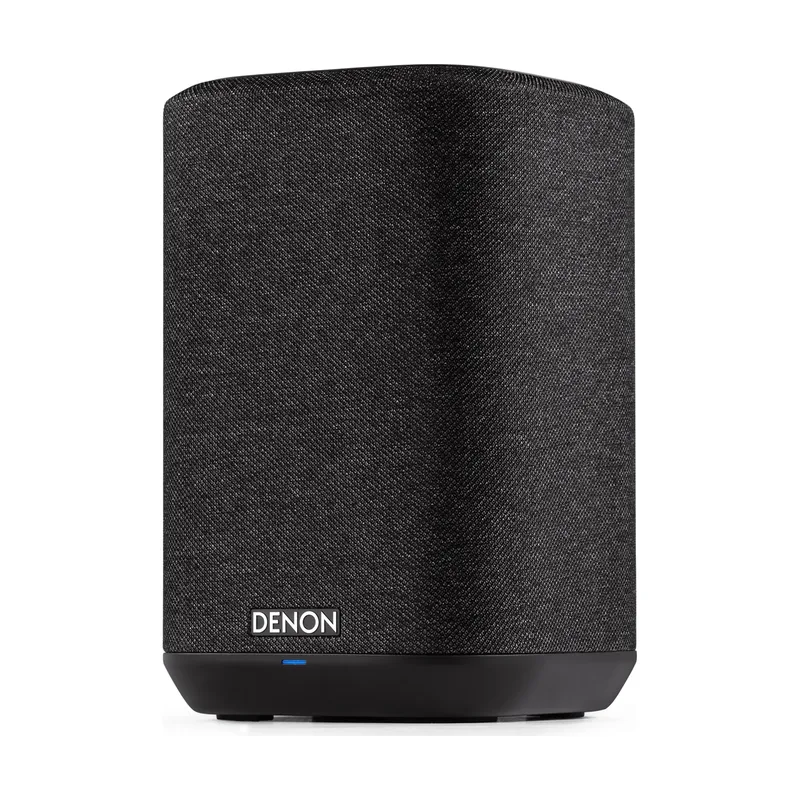 NewDenonDenon Home 150 BlackPrice on requestCheck availability
How we can help
- Design and installationFrom the first drawing to the last cable: one team designs, installs and hands over.
- Acoustics and calibrationMeasured treatment and set-up for cinemas and hi-fi systems, new or existing.
- Repairs and AMCRepairs and annual maintenance contracts for audio, video and control systems, including ones we did not install.
Plan it with a specialist
Tell us about the room and how you use it. We reply within one working day.
Book a consultation