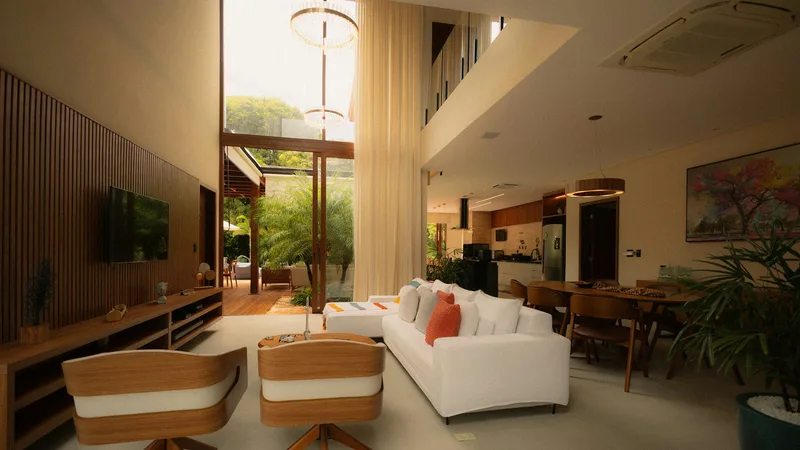
Automation
One keypad, app or voice command for what you use every day, set up around the people who use the space.
What an easier day feels like
Count the small jobs you do each day: lights off on the way upstairs, blinds down against the afternoon sun, air conditioning turned back when you go out. Automation takes those jobs away.
You press one button by the door and the house settles for the evening. You leave, and nothing is left running. A film starts and the room prepares itself.
It works when it’s built around habits, not gadgets. We ask how your days run, then set the system up so nobody has to learn anything complicated.
A day in scenes
A scene is one press that does several things at once. Here’s an ordinary day in a family villa.
Morning
Bedroom blinds rise slowly, bathroom lights come on low, and the kitchen plays the news at a gentle level.
Leaving
One press at the door turns off lights and music, closes sun-facing blinds and eases back the air conditioning.
Arriving
Hall and kitchen lights come on, cooling returns to your usual temperature, and music starts where you left it.
Guests in the majlis
The room cools before visitors arrive, lighting warms, and music plays at a level that leaves room for conversation.
Film night
Lights fade, blinds close, the screen and amplifier start, and the room is ready by the time you sit down.
Goodnight
Downstairs switches off, soft lights mark the stairs briefly, and bedrooms settle at sleeping temperature.
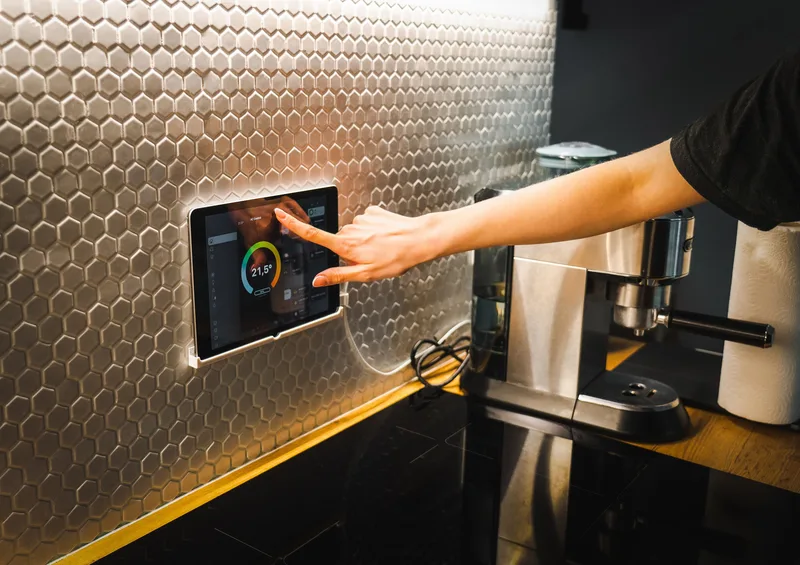
A home on one system
Separate apps for lights, climate and music make a home harder to run, not easier.
Lighting
Circuits are grouped into scenes, so one press sets a whole room at the right levels.
Blinds and curtains
Motors can follow the sun as well as your buttons, keeping west-facing rooms cooler in the afternoon.
Climate
Each room holds its own temperature, and empty rooms ease back, which cuts wasted cooling.
Phone, tablet, keypad or voice
Every control does the same job, so you simply use whichever one is nearest to you.
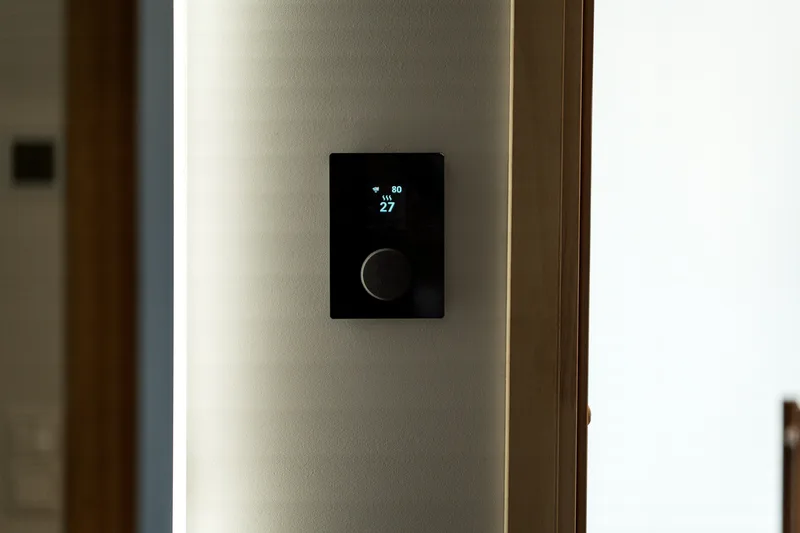
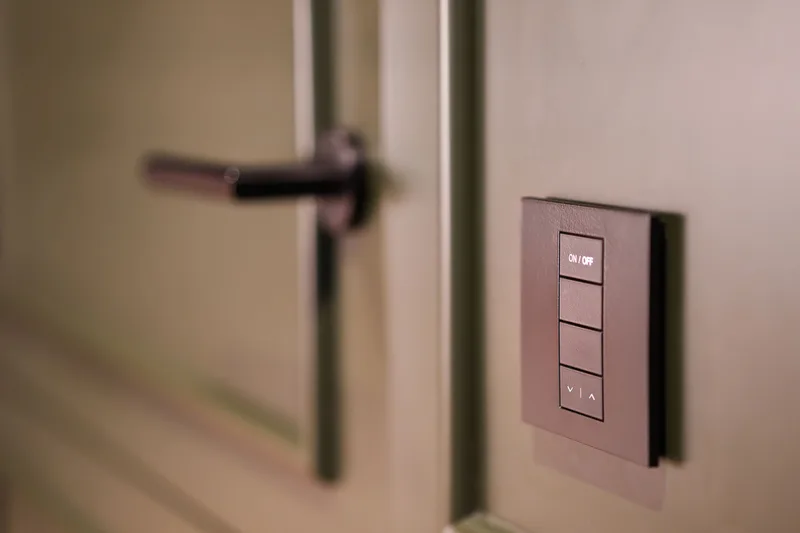
Buttons you can find in the dark
Apps are useful, but most of daily life happens at the wall. A good keypad needs no instructions.
Words, not symbols
Each button carries plain wording such as Evening or Away, engraved in English, Arabic or both.
Where your hand expects it
Keypads sit where switches normally go, at the same height, so you find them without looking.
Fewer buttons
Most rooms need only a few scenes. If a keypad needs a diagram, there’s too much on it.
A soft backlight
A gentle glow lets you find the right button in a dark bedroom without waking anyone.
Guest rooms and working floors
In hotels and offices, the people at the controls change daily, so every room has to behave the same way.
The guest’s first minute
One bedside control runs lights, curtains and cooling, so nobody has to call reception to turn off a lamp.
Empty rooms ease back
Occupancy sensors lower cooling and lights in unused rooms, and bring them back when someone returns.
Office hours
Floors wake on a timetable, with an after-hours override, and nothing keeps running once the last person leaves.
One view for facilities staff
Building teams can see each room from one screen and change a setting without walking the floor.
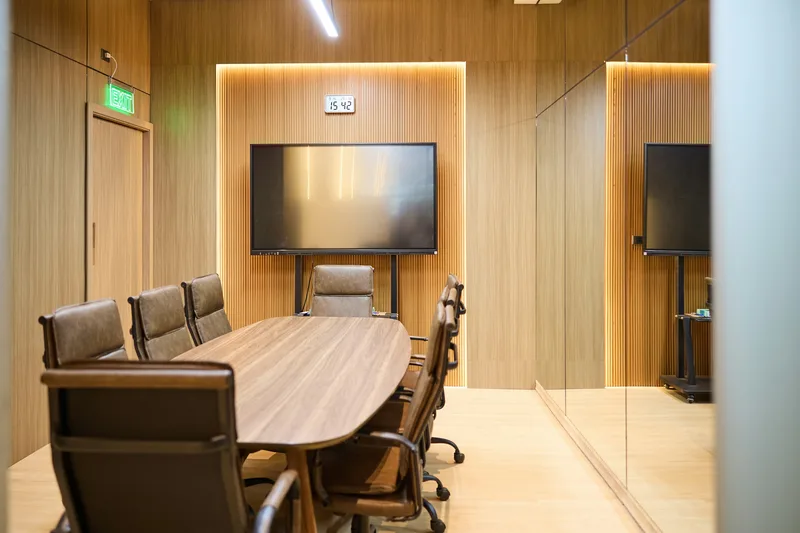
Meeting rooms that start on one touch
Meetings start late when nobody can find the right input. One panel should get the room ready.
Present
One touch turns on the display, picks the laptop input, dims the front lights and lowers the blinds.
Video call
Camera, microphones and speakers come on, with lights set so colleagues elsewhere can see you properly.
Divide or combine
Rooms with a moving wall can run as one or two, and the panels change to match.
Room off
One touch, or a timer when the room empties, shuts everything down for the next group.
From your routine to a working system
Map the day
We list who uses each space and what they do there. You receive a control brief.
Agree the buttons
You approve the scenes and keypad wording before programming starts, so controls use your own language.
Draw the wiring
You receive wiring plans, a device schedule and a quotation.
Program on site
We install, program each scene and test it in the room where it will be used.
Live with it, then adjust
Habits only show once people use it. We train everyone, then change what doesn’t feel right.
Smart control for your air conditioning
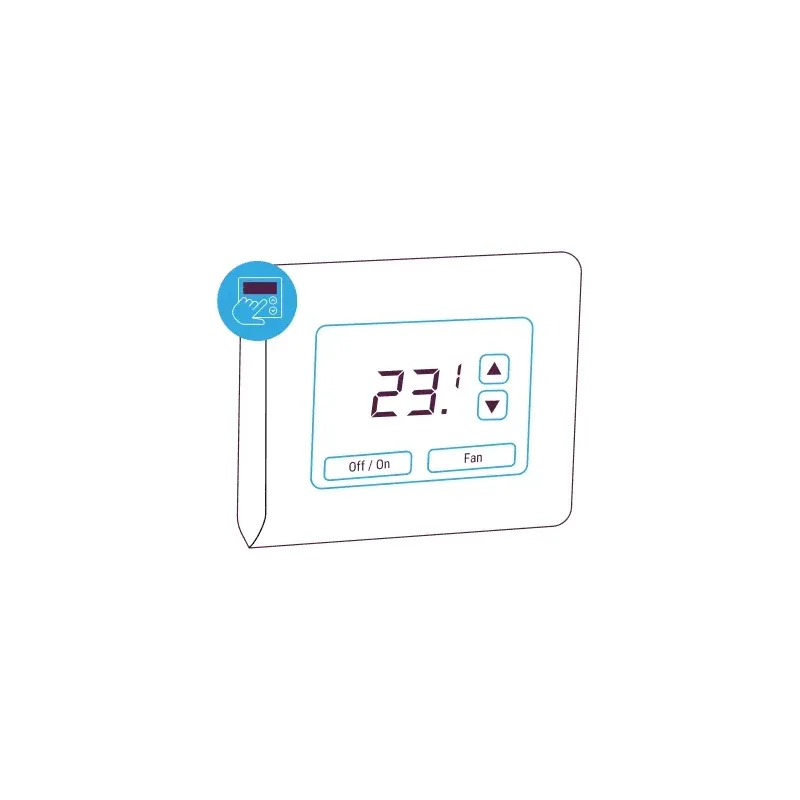 CoolAutomationWall-Mounted Touchscreen ControllerPrice on request
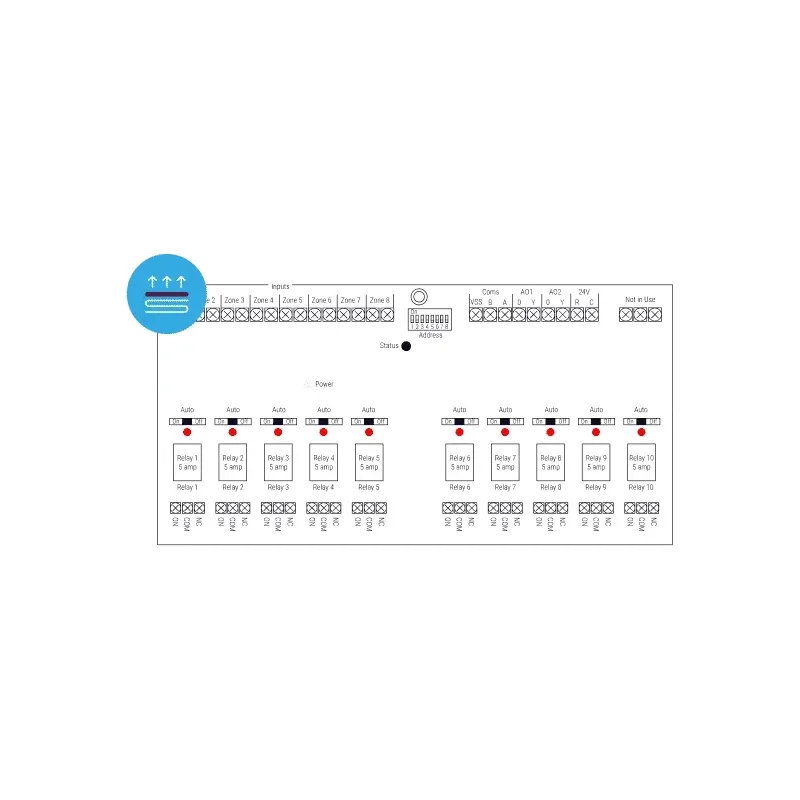 CoolAutomationUnderfloor Heating ControllerPrice on request
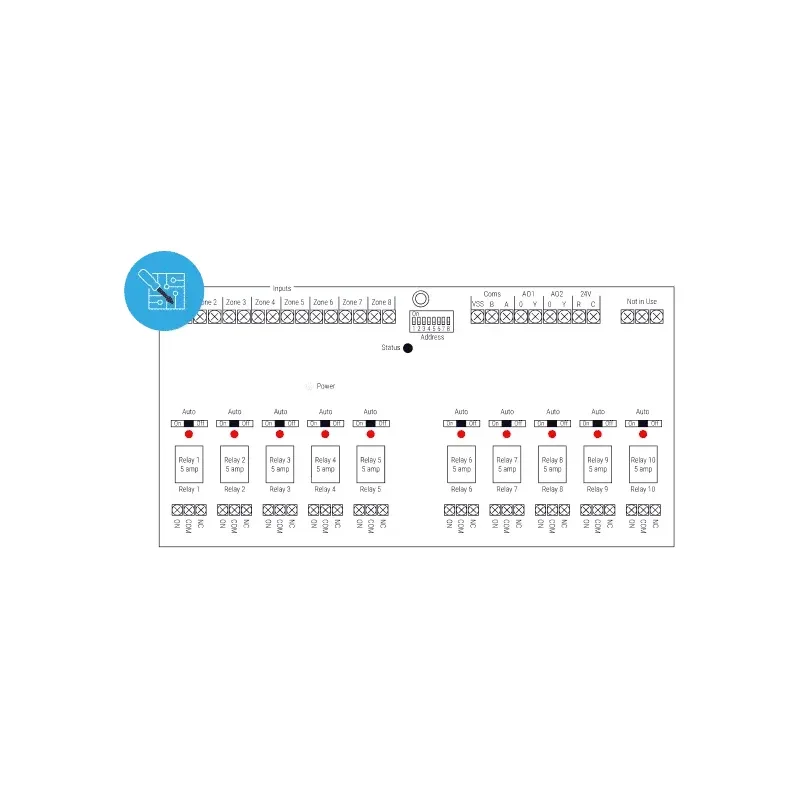 CoolAutomationMulti-Purpose I/O ControllerPrice on request
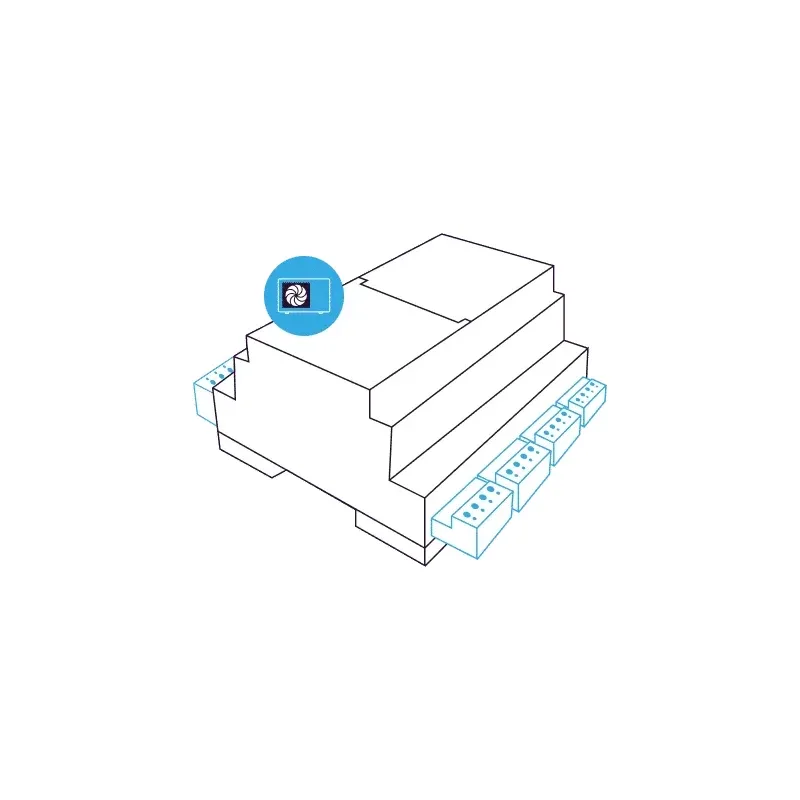 CoolAutomationHeat Pump ControllerPrice on request
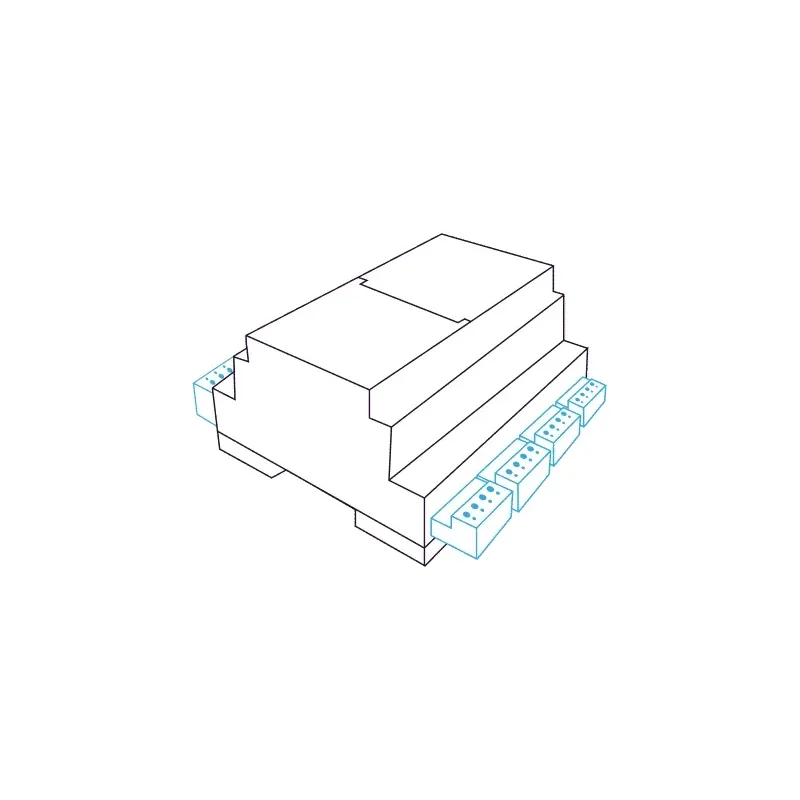 CoolAutomationFan Coil ControllerPrice on request
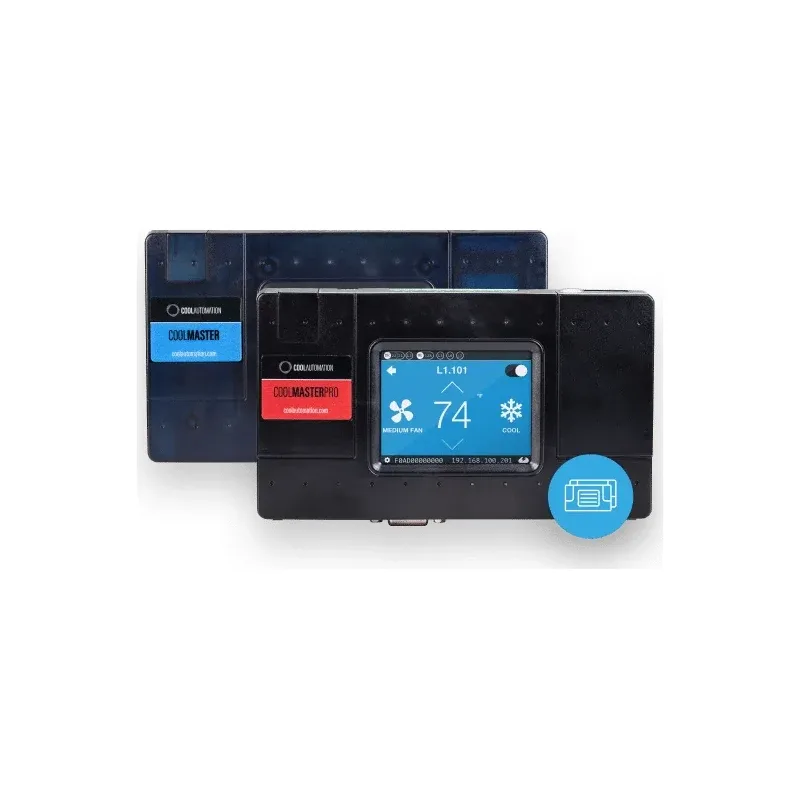 CoolAutomationCoolMaster Product LinePrice on request
Automation questions
Can it go into an existing building?
Usually, yes. Wireless devices avoid most of the rewiring, and we confirm what your building allows during the survey.
What happens if the internet goes down?
Day-to-day control runs on site, so keypads and scenes carry on. We tell you at design stage which features rely on the internet.
Will my parents manage it?
If they can press a labelled button, yes. Anyone who never opens an app can still run the home from the wall.
Can we change a scene later?
Yes. Households change, and so do habits. Small changes to timing and levels are normal.
Describe an ordinary day
Send your floor plans, the make of your lighting, air conditioning and blinds if known, and who uses each space. A few lines on how your day runs will help most.