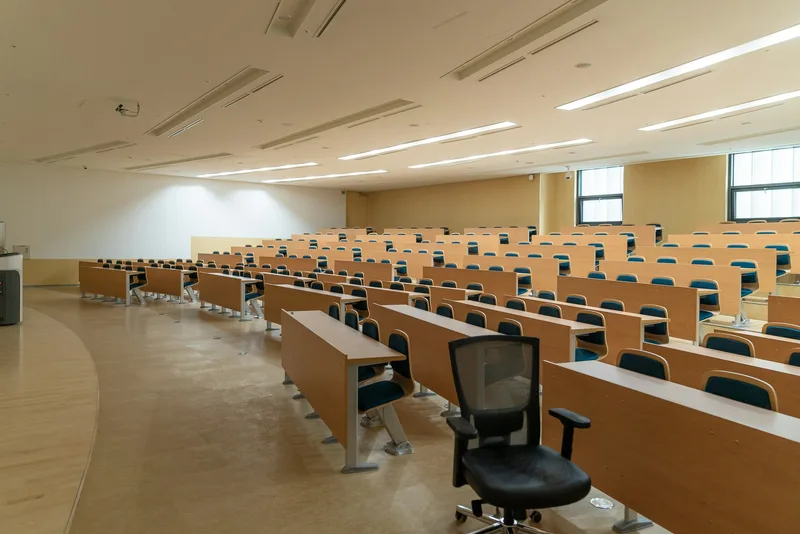
Schools and colleges
Teachers should be teaching, not fixing cables. We design systems that start quickly and work the same in every room.
Two people decide if this works
A teacher has a few minutes between lessons to wake a display, find the file and begin. An IT technician has a long list of rooms and a short list of free hours.
Get the system right and neither thinks about it. Get it wrong and lessons start late, and the help desk takes the same call every week.
So we design around those two people. This page follows the school day, and what it asks of the team behind it.
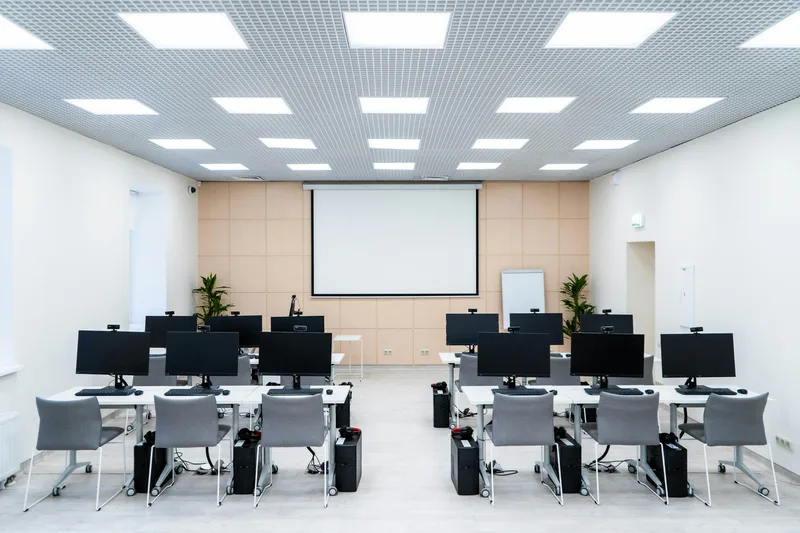
First lesson: ready at once
The room should be ready before the class has sat down, whatever the teacher walks in with.
One button to begin
One wall control wakes the display and sets the volume, the same way in every room.
Sharing without cables
Teachers share from their own device, so nobody hunts for an adapter while the class waits.
A voice that lasts the day
A small microphone and ceiling speakers let a teacher speak normally, which saves the voice.
Quiet enough to hear
Air conditioning and hard walls compete with speech, so we check background noise before deciding anything.
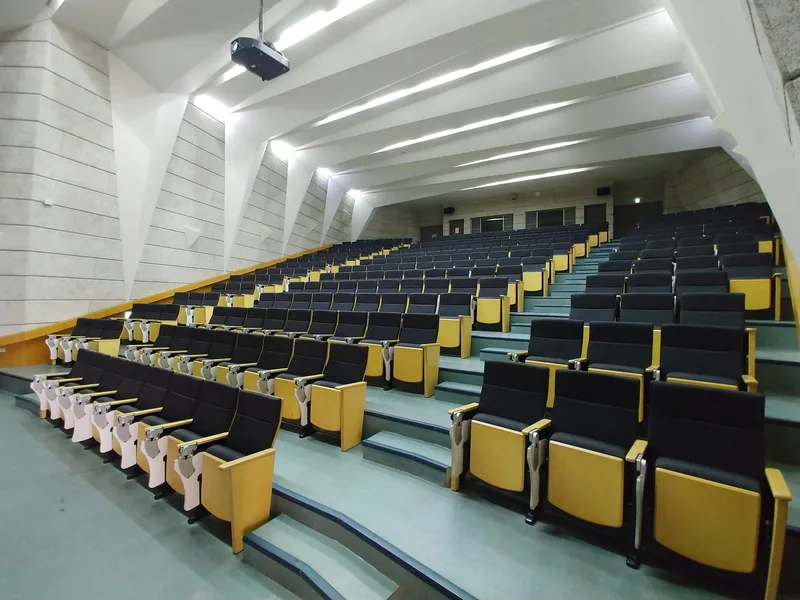
Mid-morning: lectures that carry
Speech has to reach every row of a tiered room, and often students who aren’t in it at all.
Aimed at the seats
Speakers aimed at the seating, not the walls, keep speech clear and stop rear-wall echo.
A lectern anyone can use
One lectern panel runs the displays, microphone and lights, so a visiting speaker needs no briefing.
A voice for the back row
Lectern and ceiling microphones lift the lecturer’s voice, so the back rows hear clearly without anyone shouting.
Hearing support
Assistive listening can carry the lecturer’s voice to hearing-aid users. We plan it with the room.
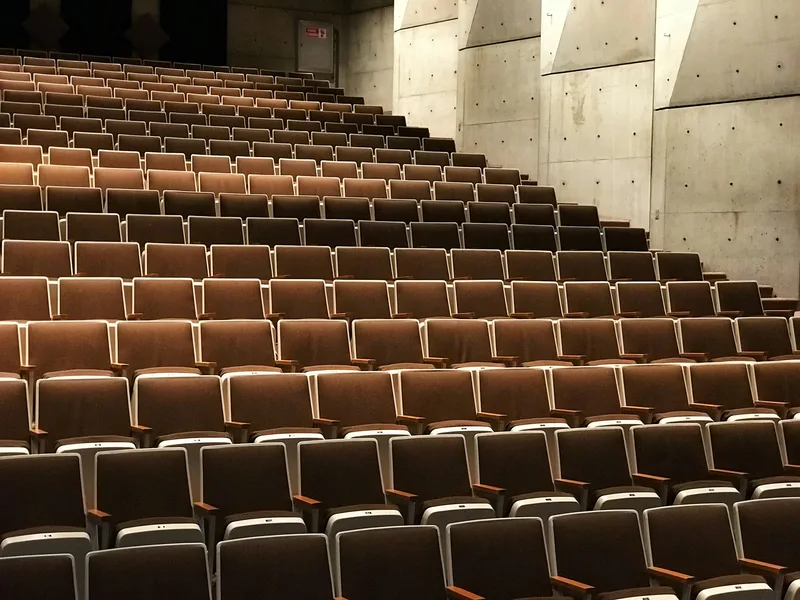
Afternoon: the hall does everything
One room holds assembly, exams, a parents’ evening and the school play, and stays simple to run.
A setting for each use
Each kind of event has a saved setting, so nobody touches a mixing desk on a normal day.
Speech in a hard room
Flat floors and hard walls blur speech, so we aim sound at the audience and off the walls.
Stage points
Microphone and music points at the stage keep cables off the floor and away from performers.
Room for a student crew
Older students can run shows from a simple mixer, with limits set so nothing gets damaged.
Between lessons: paging, bells and networks
Bells, announcements and Wi-Fi run in the background, and everyone notices the moment they stop.
Bells that follow the timetable
Keep bell schedules for normal days, Ramadan hours and exam weeks, and switch them from one screen.
Page only who needs it
Reach one block, one floor or the whole campus, so a message doesn’t interrupt every lesson.
Wi-Fi for a full class
Access points are planned for a whole class logging on at once, on separate staff and student networks.
One view for IT
Where equipment allows, IT can check rooms and restart devices from one desk, saving a walk.
A room standard, space by space
Write one standard per type, repeat it across the campus, and spares and training get simpler.
Classroom
A display sized for the back row, sharing from any device, ceiling speakers and a microphone.
Science lab
A display readable from every bench, a document camera, and equipment clear of water and fumes.
Lecture theatre
Lectern control, speech reinforcement and assistive listening, with twin displays in wide rooms.
School hall
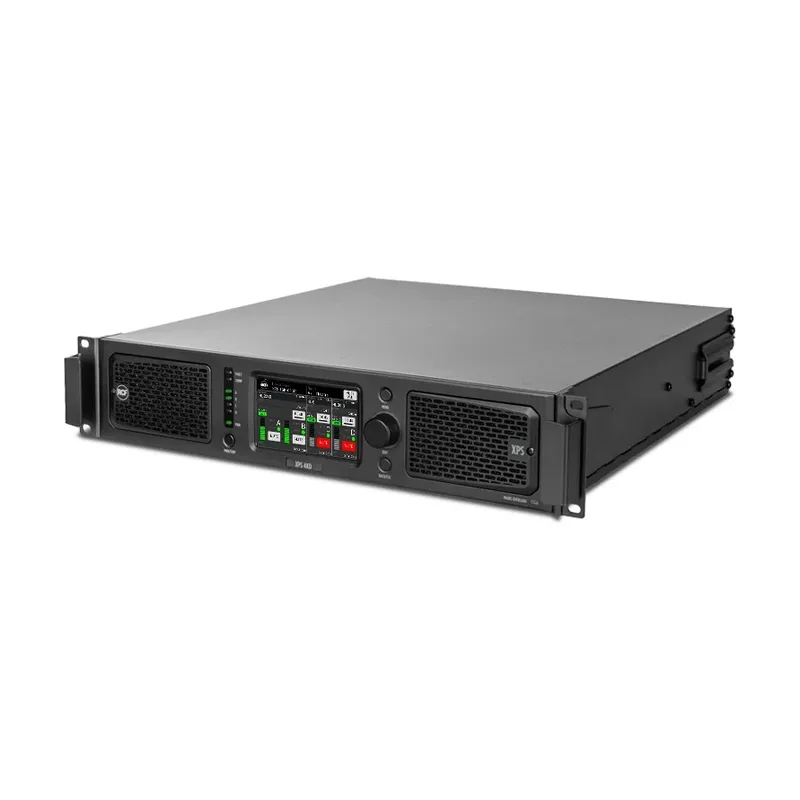
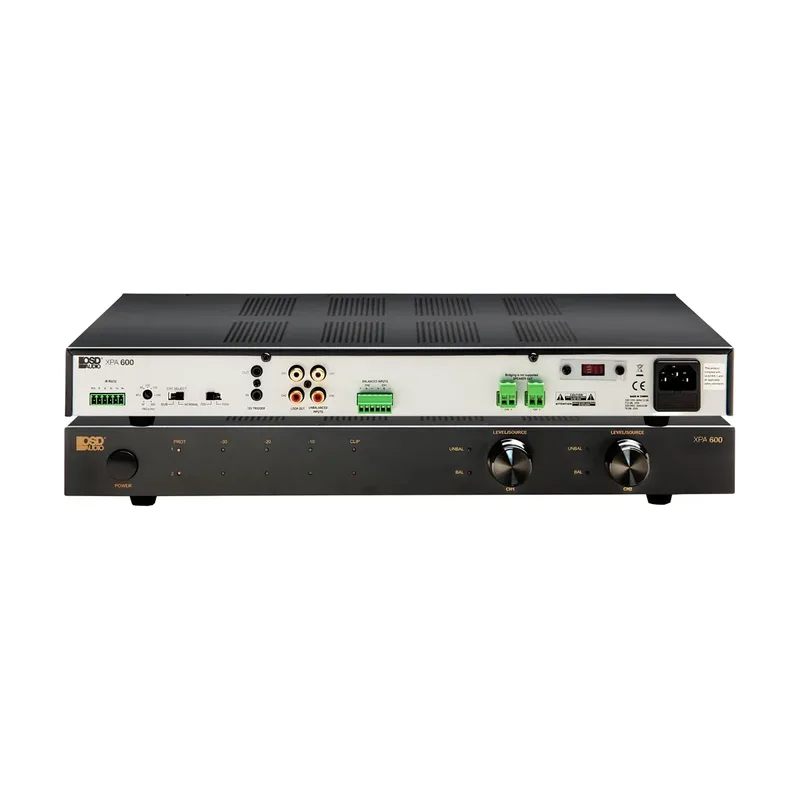
Saved settings for assembly, exams and shows, stage points, and amplifier power for live performance.
Sports hall
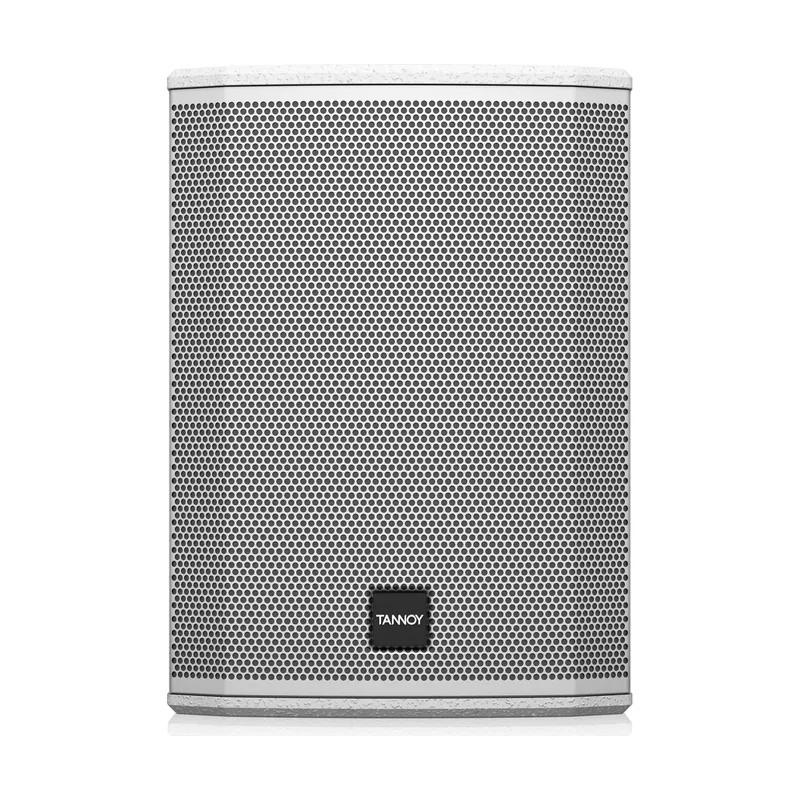
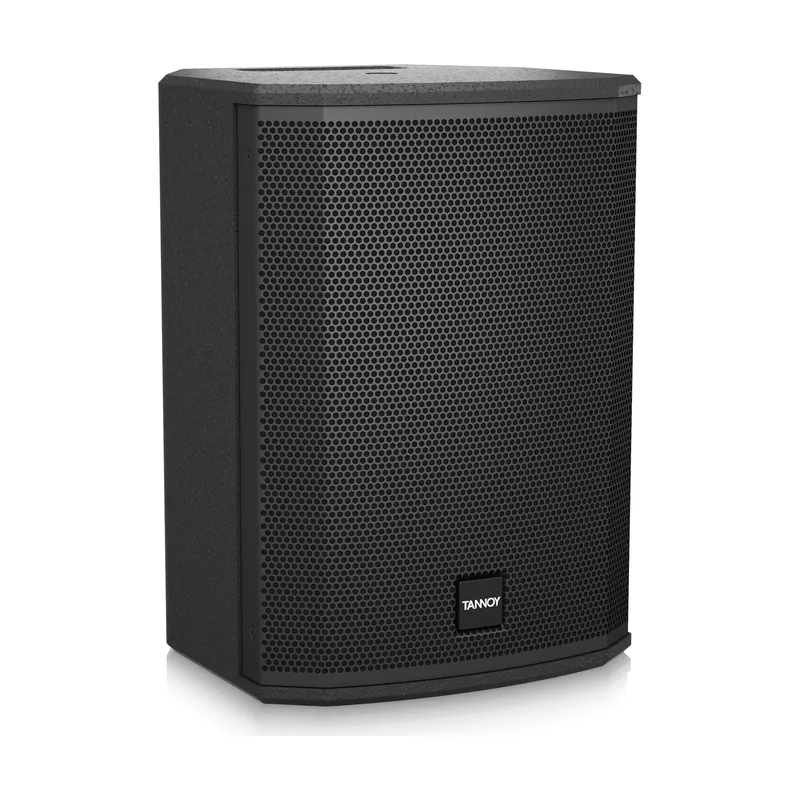
Impact-protected speakers, a microphone for announcers and music for lessons, chosen for a loud, echoing room.
Library
Low-level paging with no music, displays in study rooms, and strong Wi-Fi among the shelves.
Sound for halls and campuses
From campus walk to first day
Follow a school day
We walk the campus with teachers and IT. You get a written scope by building.
Write the room standards
You get one design per space type, with quantities, a spares list and a quotation.
Pilot one room
Teachers try a sample room first, and their feedback changes the standard.
Install between terms
We plan around term and exam dates, so lessons aren’t disturbed.
Hand over to IT
IT gets network details and labelled racks. Teachers get a one-page guide in every room.
Questions from schools and colleges
Can the work be done during term?
Small jobs, yes. Larger work is best planned for holidays, clear of exam weeks.
Can you connect to what we already have?
Usually, yes. We check your displays and network during the survey.
Can our IT team look after it themselves?
That’s the aim. Standard rooms and clear records cover everyday faults, and a maintenance contract covers the rest.
Will it work with the devices our teachers use?
We check your mix of laptops and tablets during the survey, then design sharing around them.
Send us your campus plan
Send us site plans, room numbers by type, your term and exam dates, and details of your displays and network. Tell us which rooms cause the most trouble.